Know the cost behind the price
Account for buyer premiums, tax, shipping, repairs, selling fees, desired return, and the less obvious costs that can turn a promising find into a poor purchase.
A highly customizable workspace for buying carefully, tracking trips, pricing with clearer numbers, and keeping the tools you use most close at hand.
Collector Tools adapts to the way you work while supporting repeatable decisions: understanding total cost, protecting margin, recording observations, and preparing clear customer-facing information.
Account for buyer premiums, tax, shipping, repairs, selling fees, desired return, and the less obvious costs that can turn a promising find into a poor purchase.
Calculate customer discounts, consignor payouts, dealer proceeds, booth profit or loss, and the sales needed to cover current costs.
Create editable condition wording, listings, price tags, inventory numbers, annotated photographs, QR codes, and structured glass UV observations.
Build and reorder a Featured menu, pin favourites directly from Featured rows, touch and hold dashboard cards to arrange them, and return quickly through an automatic list of recently used tools.
From planning a buying day to checking metal value, reading an older date, and documenting condition, these four tools show how Collector Tools turns fieldwork into useful decisions and records.
 1 image
 1 image
 1 image
 1 image
Related tools pass only the details you choose. Imported text stays editable, and nothing is silently published or treated as confirmed.
Format dimensions and weights for a listing with metric and imperial values together.
Build neutral wording from the wear, damage, function, and inspection limits you actually observed.
Bring selected measurements, condition notes, inventory details, and qualified maker or date information into one editable draft.
Prepare a price tag or send item details into Photo Documentation for labels, markers, legends, and QR export.
You stay in control of every handoff and review the final output before sharing it. Selected calculation and history tools can share either editable text or a PNG containing the chart and key results.
The custom-built offline engine considers lamp wavelength, response strength, glow colour, normal-light appearance, coverage, and where fluorescence appears.
Create and reorder your own Featured menu shortcuts, pin tools directly from Featured rows, drag dashboard cards into your preferred order, return to six recently used tools, and choose dark, light, or system theme.
Calculate landed cost, break-even price, suggested resale price, expected profit, and margin before buying. Share the estimate as text or as a PNG with its price build-up chart and key figures.
Estimate all-in auction cost or work backward from a maximum budget to a maximum hammer bid.
Evaluate profit potential, condition, confidence, demand, desirability, and ease of resale with a repeatable score.
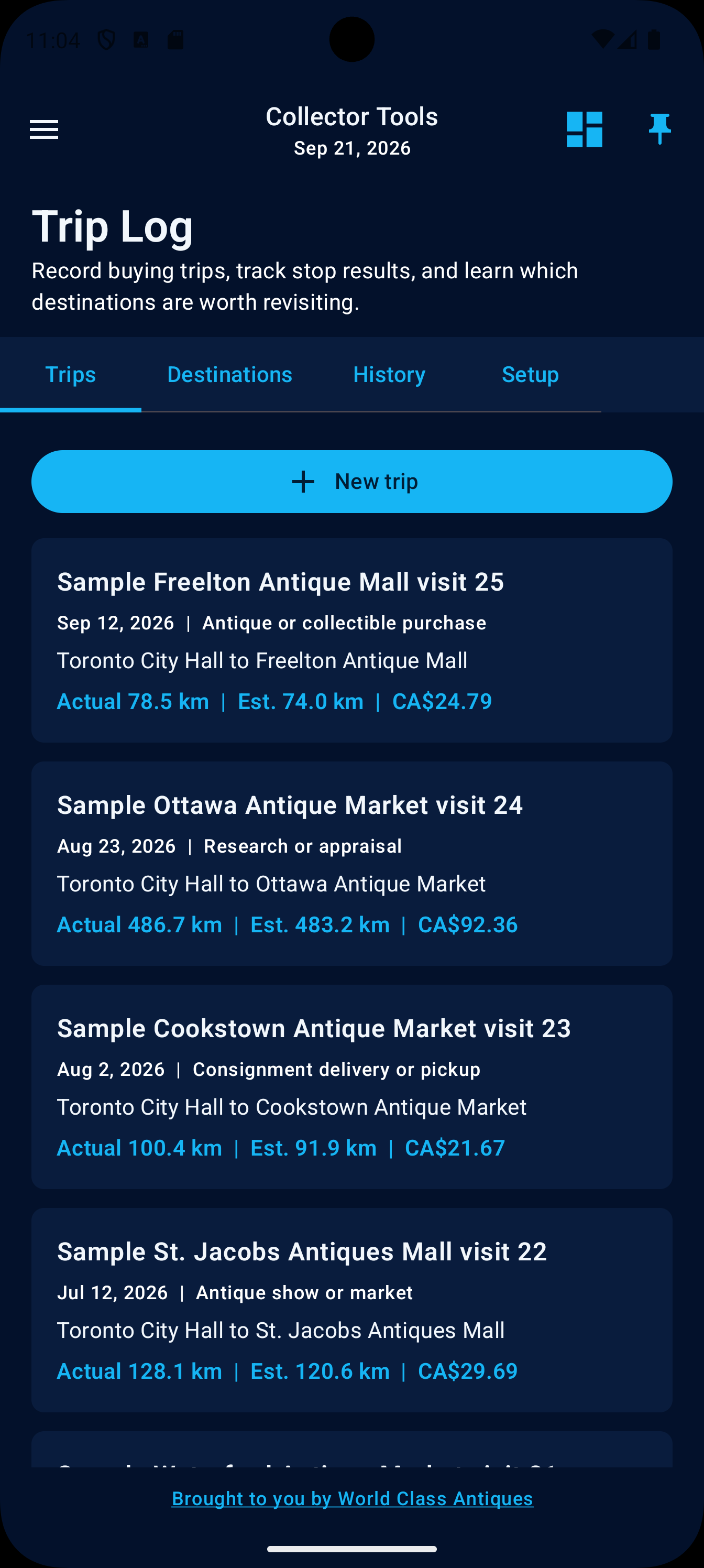
Name buying trips, estimate routes, and manually check in and out at each stop. Compare destination results and ratings, then reuse worthwhile places. Keep records in a private local database, export generic or Canada-focused vehicle logbooks, and create one complete JSON backup for recovery after reinstalling or changing devices.
Apply common or custom discounts, add optional sales tax, and share the final customer amount.
Calculate consignor payment, dealer proceeds, commission, selling fees, reimbursements, and agreed deductions. Export the allocation chart and principal settlement figures as a shareable PNG.
Review booth profit or loss, margin, inventory cost ratio, expenses, and estimated break-even sales. Share the performance chart and key results as a PNG.
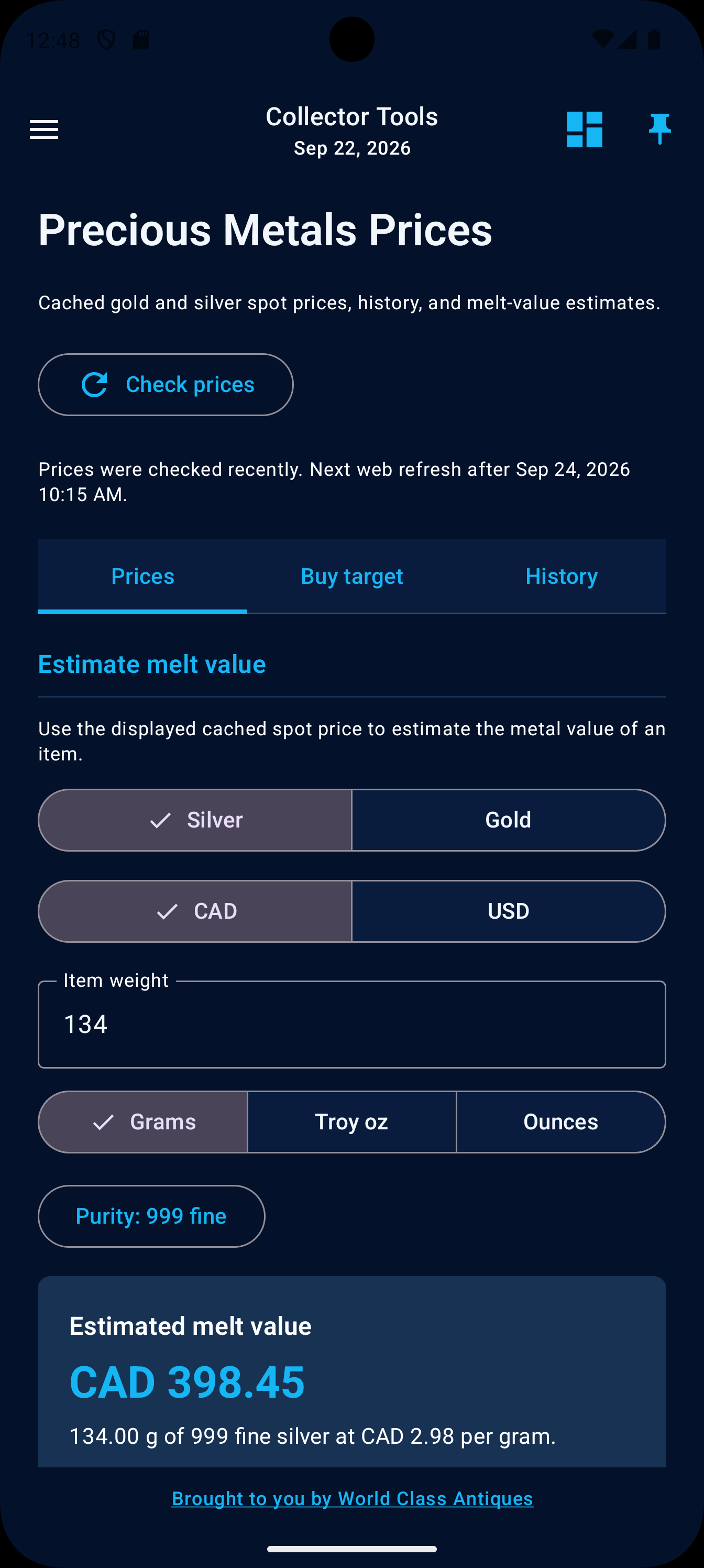
Review WCA-supplied USD and CAD spot data across Prices, Buy target, and History tabs. Estimate melt from the latest available cached spot price, weight, and purity, then calculate a maximum all-in dealer purchase as both a lot total and a per-gram amount at the selected purity. Factor in editable category presets, selling costs, desired margin, and optional auction costs. Manage locally saved presets, share buy targets as text, reorder latest prices, inspect exact historical points, and export history charts as PNG images.
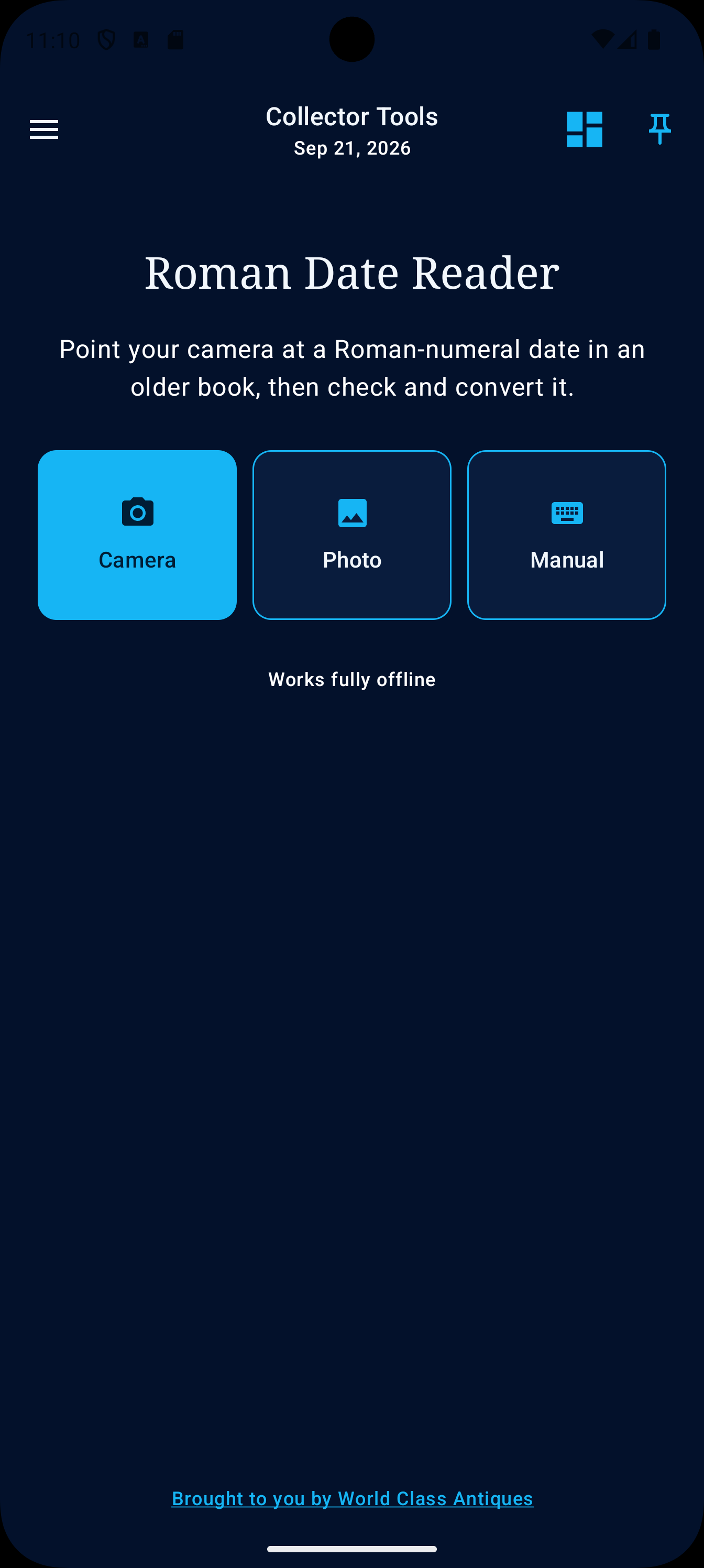
Read Roman-numeral dates with on-device camera text recognition or manual entry, including optional historical forms.
Create editable listing titles and descriptions while preserving attributed, approximate, marked, and unverified wording.
Turn selected materials, wear, damage, function, and inspection limits into neutral, editable condition language.
Prepare compact, standard, or detailed tags with regular and sale prices, inventory numbers, and dealer codes.
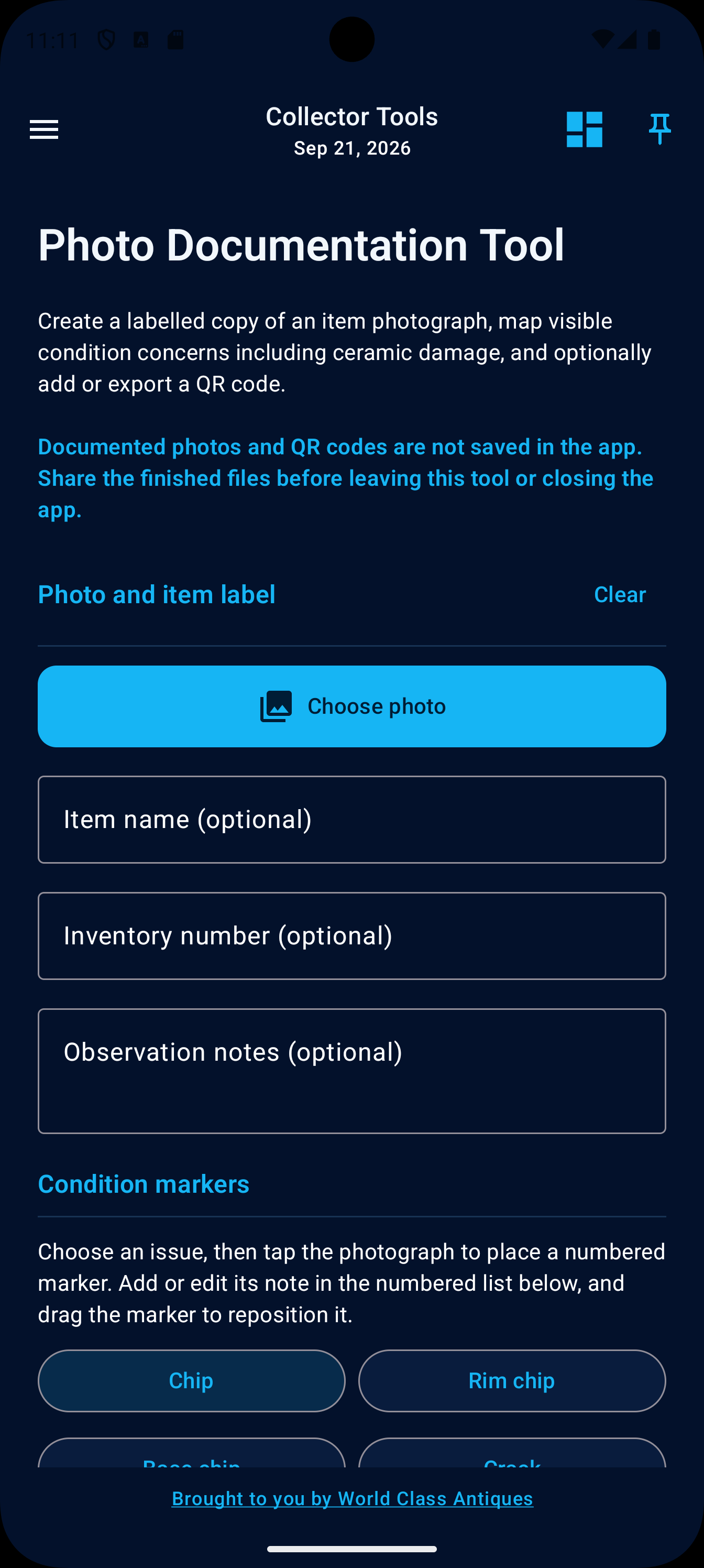
Add item labels, draggable condition and ceramic-damage markers, editable legends, and optional QR codes to a new PNG copy.
Create batches of up to 50 configurable stock numbers and send a selected number into listing, tag, or photo workflows.
Convert length and weight, see nearest 1/16-inch fractions, and produce concise listing-format measurements.
Record UV observations, compare wavelengths, review ranked possibilities, and share the observation with clear limitations. Export the wavelength comparison and principal observations as a PNG.
Collector Tools organizes the information you enter and makes the calculation or documentation process easier to repeat.
Most features run on the device. Trips, destination insights, ratings, buying results, and saved vehicle-reporting periods stay in a private local database unless you export, back up, or share them. Route calculation uses only the locations you enter rather than tracking live movement.
Create one portable JSON file containing the complete Trip Log, keep it outside the app, and restore it after reinstalling or changing devices. The file is validated before current records are replaced, while a separately protected action can permanently erase Trip Log without resetting the rest of the app.
The Canada-focused vehicle logbook includes the trip and fiscal-period fields identified in CRA vehicle-record guidance, checks for incomplete records, and uses actual odometer distance. It supports recordkeeping without guaranteeing claim acceptance or replacing receipts.
Generated condition, listing, tag, and interpretation text remains editable before it leaves the app.
The app does not claim to authenticate, appraise, verify provenance, diagnose damage, or guarantee resale performance.
Send tool suggestions, feature requests, problem reports, or general feedback from the app. A reply email and app-version details are optional, and no device identifier is included.
No weekly charge. No yearly plan. No advertising between you and the work. The CA$8.99 launch price is available for a limited time and may increase afterward.